FREE
A complete static 3D workflow
Build and save .dforge projects, author and preview animation, render stills up to 1920 × 1080, review validation reports, and export static GLB or USDZ.
Static GLB and USDZ export stays free.

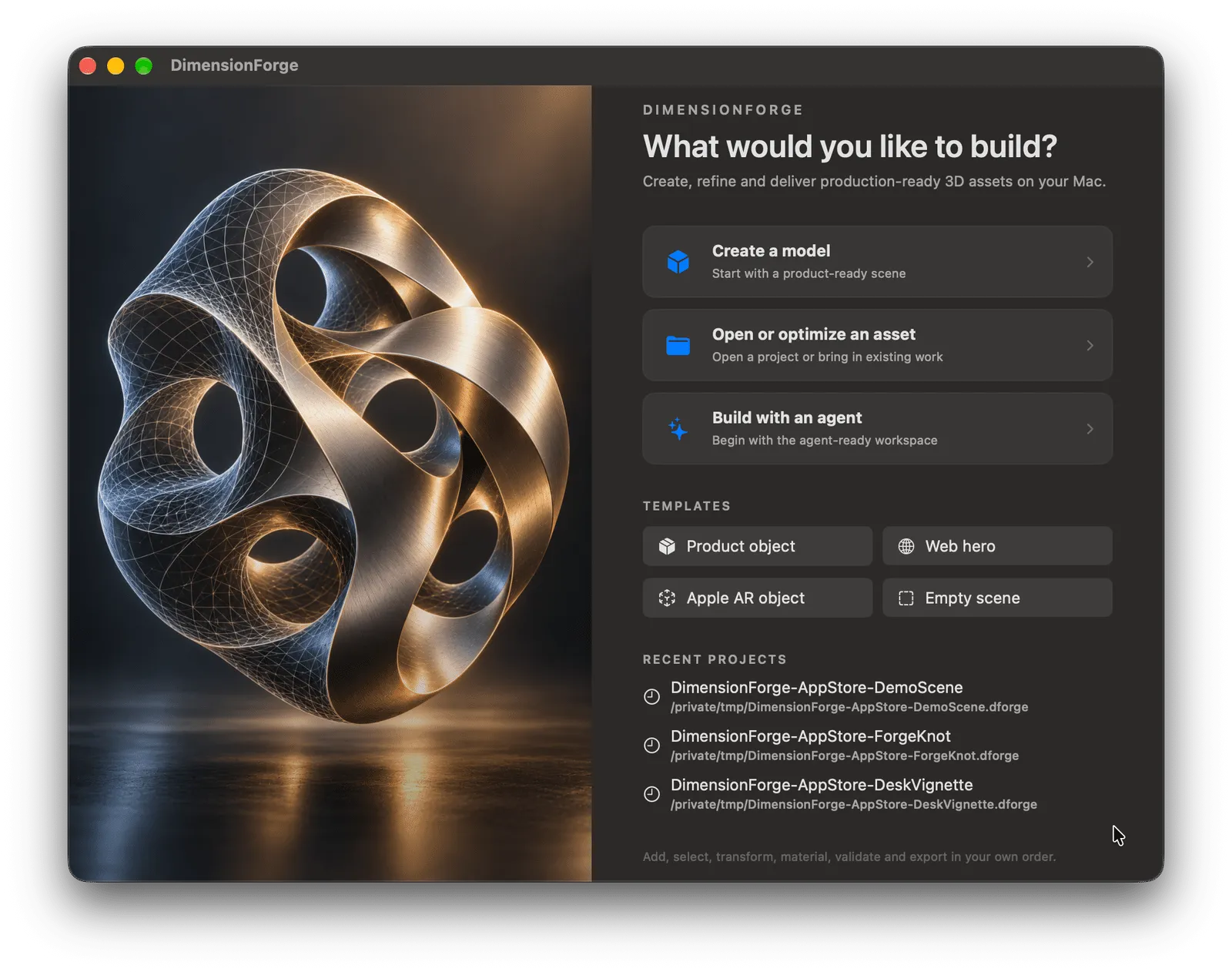
Model, light, and render on your Mac, then export GLB for the web and USDZ for Apple apps and AR Quick Look.
Built for Apple silicon · Available on the Mac App Store
Free and Pro
The free app includes modeling, materials, cameras, lights, animation authoring, local projects, validation reports, and static GLB and USDZ export.
FREE
Build and save .dforge projects, author and preview animation, render stills up to 1920 × 1080, review validation reports, and export static GLB or USDZ.
Static GLB and USDZ export stays free.
PRO
Add animation export, more interchange formats, web optimization, larger or transparent still renders, and one-click validation repairs.
Monthly, yearly, and Lifetime options are localized in the app.
If a subscription ends, projects remain openable and editable, and files already exported keep working. Only Pro actions lock.
Start from a product, web hero, Apple AR, or empty-scene template. Open an existing asset for inspection and optimization, or enter the agent-ready workspace and review proposed changes before they are applied.
Highlights
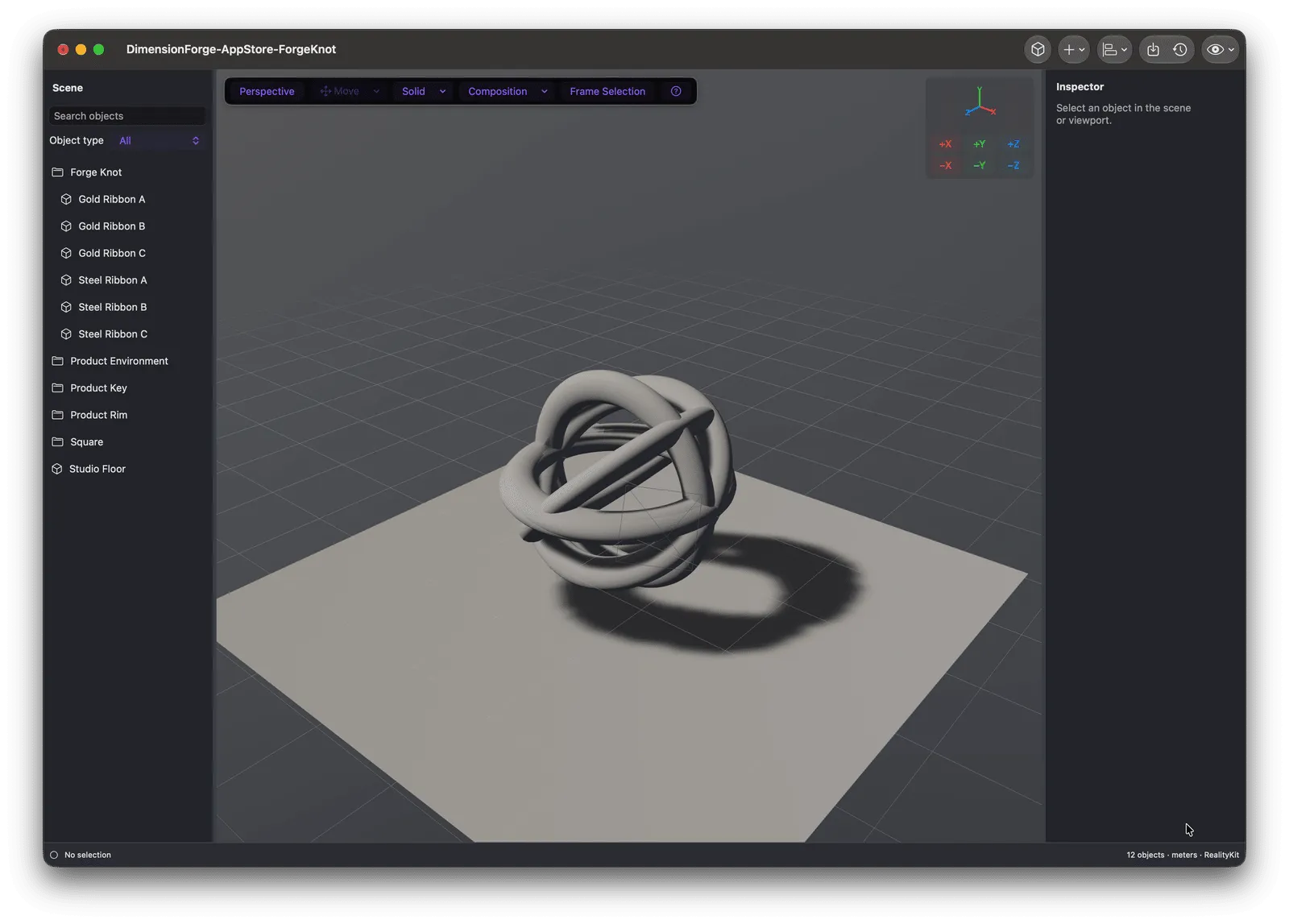
Build from primitives, organize scene hierarchy, position objects, and work with cameras and studio lights in a focused editor. Solid, wireframe, material, rendered, orientation, and UV views expose the layer you need.
Highlights
Assign physically based materials, adjust transforms and primitive parameters, light the scene, and add object, camera, or supported light keyframes without leaving the workspace.
Highlights
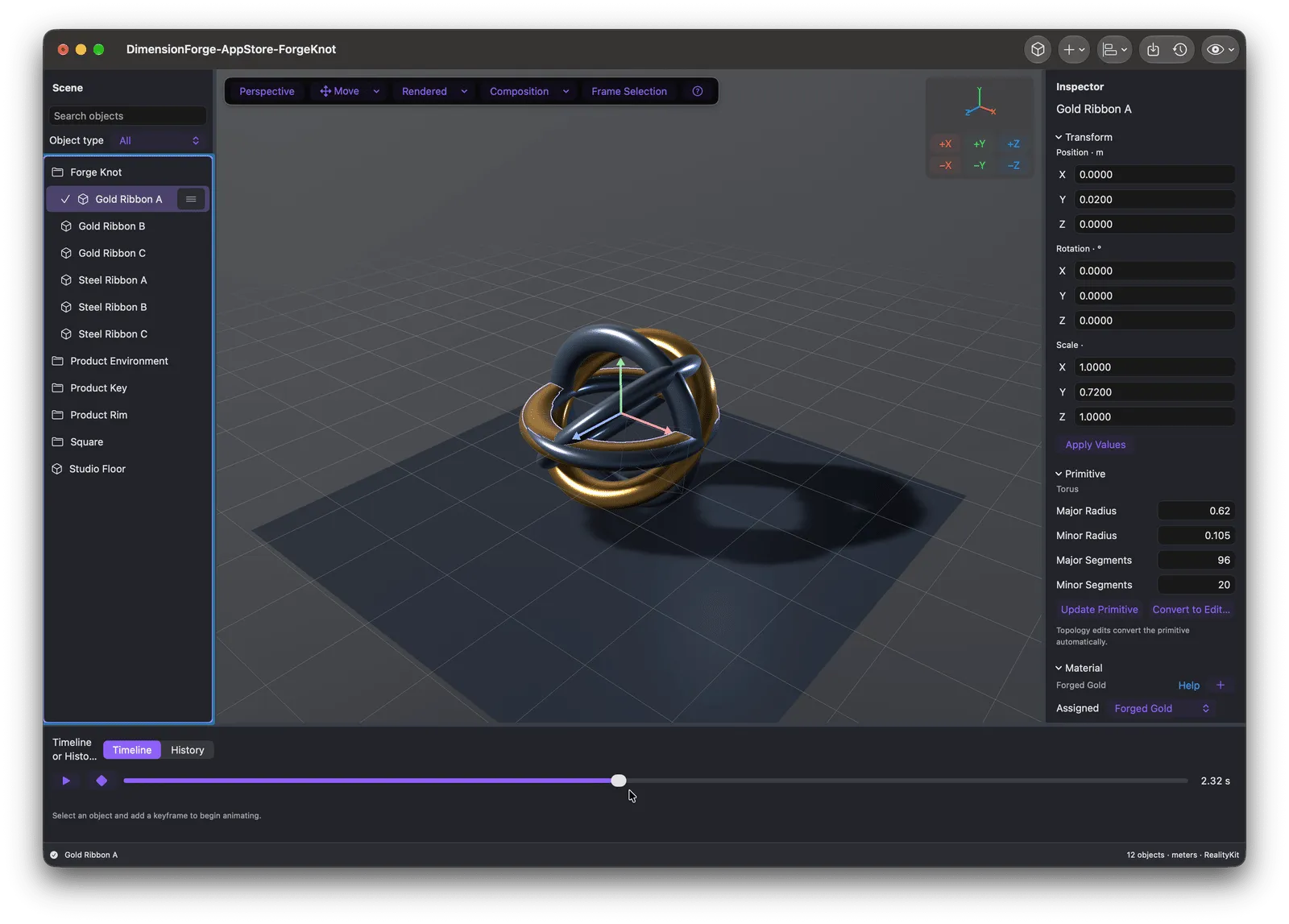
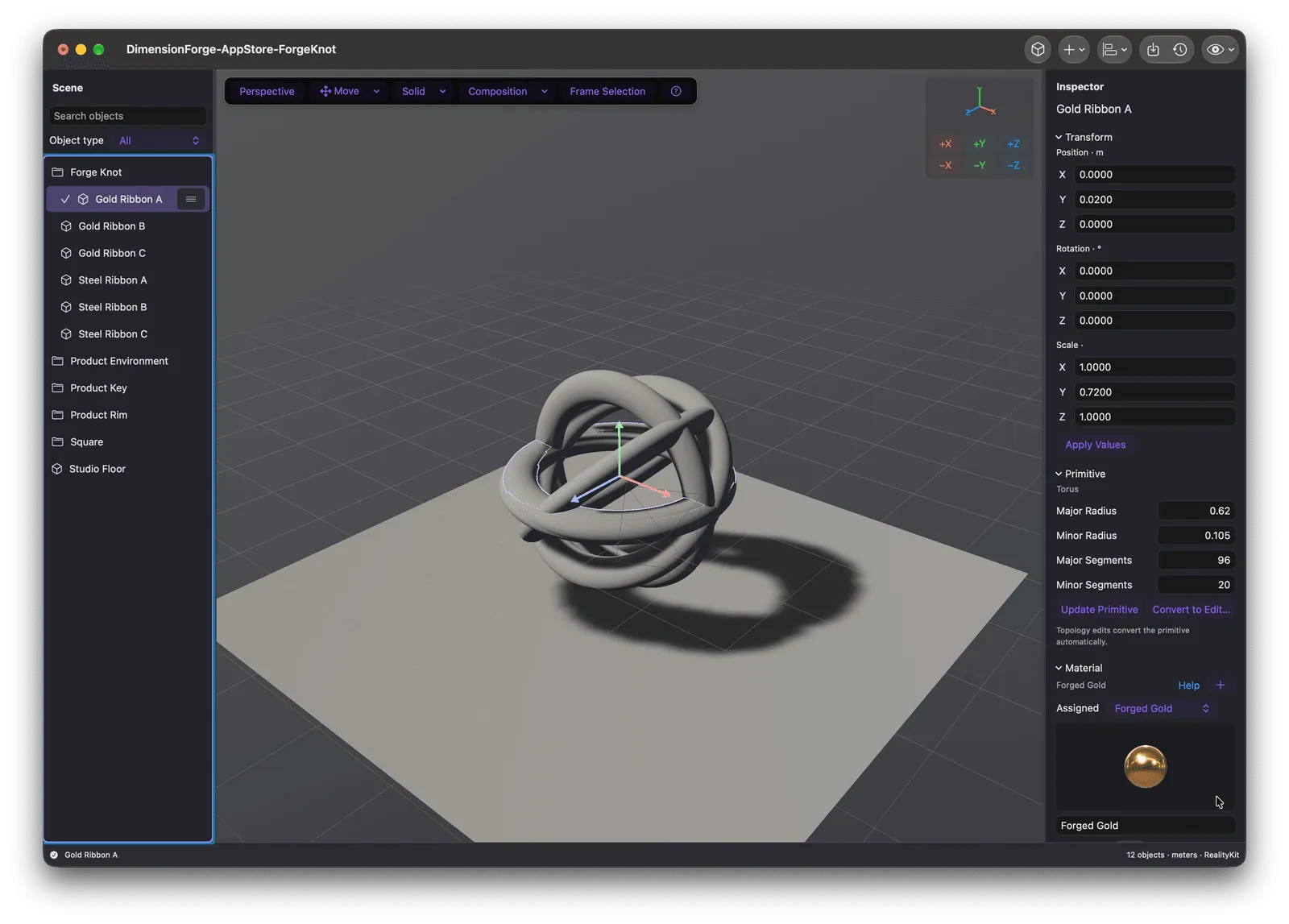
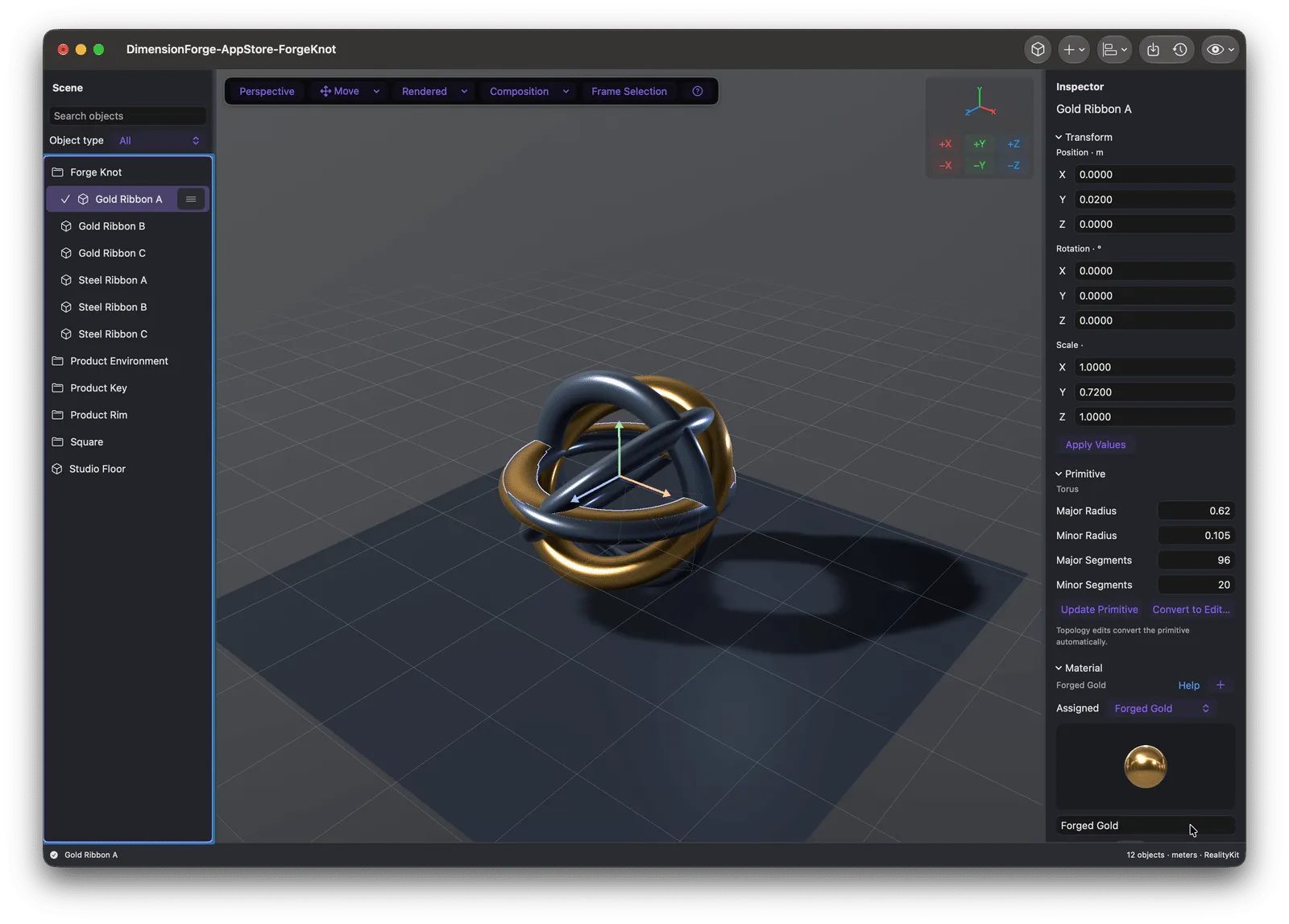
Switch between structural and rendered views while the scene hierarchy, inspector, material assignment, transform values, and primitive controls remain visible.
Highlights
Use the same lighting path for the interactive Rendered view and still output, so materials and highlights can be judged before delivery.
Highlights
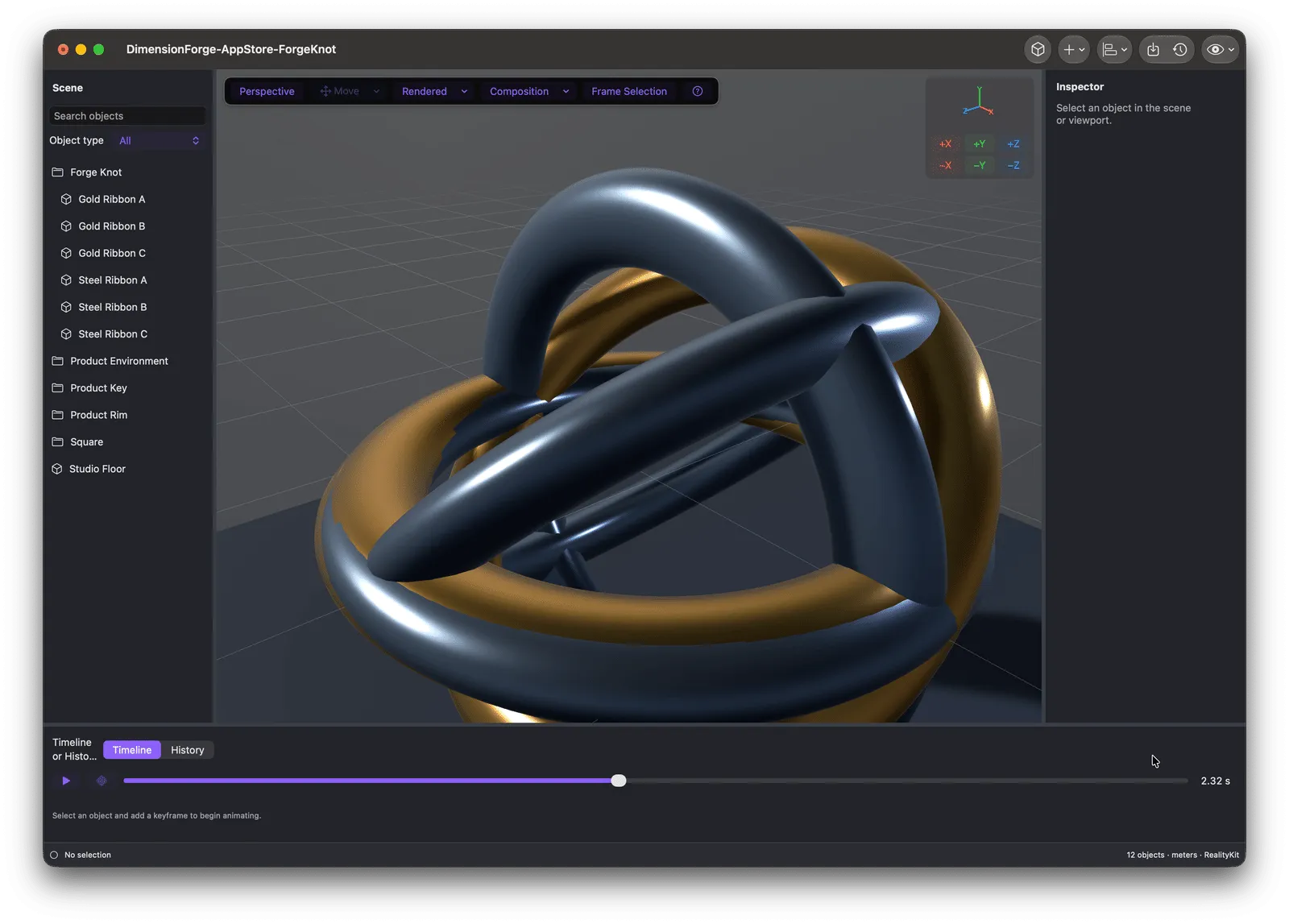
Choose a target profile for Three.js and the web, Apple apps, AR Quick Look, or general interchange. Validation identifies issues by location and explains what the destination needs.
Highlights
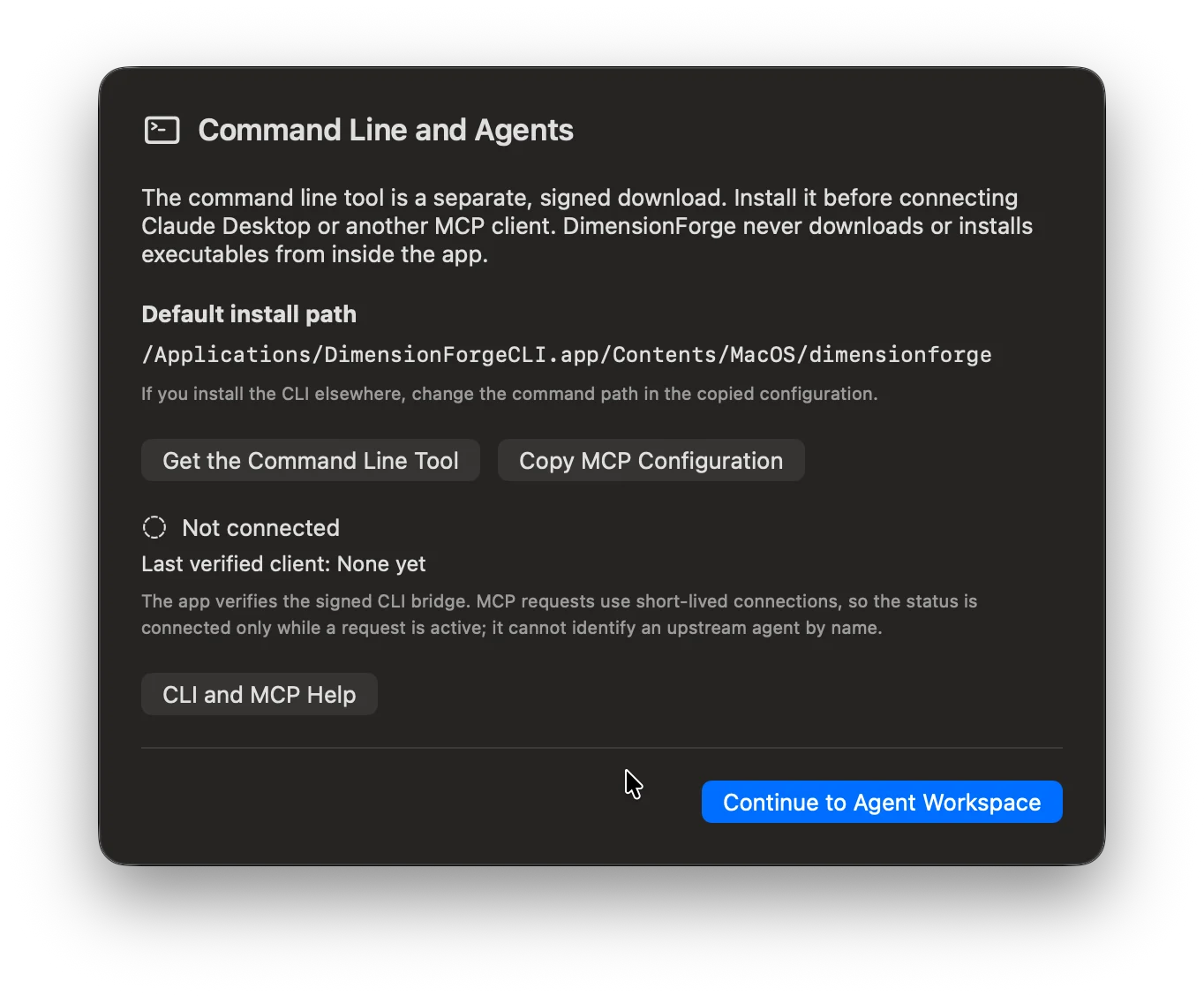
Install the separate, signed command-line companion, copy a ready-to-use MCP configuration, and connect a compatible local client. App-connected requests use short-lived connections and proposed changes still require review in DimensionForge.
Highlights
Questions
No. Static GLB and USDZ export is free. Pro adds animation export, more formats, web optimization, bigger and transparent renders, and one-click repairs.
Your projects stay openable and editable, and files you already exported keep working. Only Pro actions lock.
No. Projects are saved as local .dforge files on your Mac.
Export from Blender as GLB, glTF, OBJ, STL, PLY, or USD, then inspect and import the asset into DimensionForge.
DimensionForge exports USDZ for AR Quick Look and includes real-world scale presets in its Apple AR template.
Yes. Lifetime unlocks Pro permanently for your Apple ID, including Family Sharing.
How DimensionForge was built
The product pages show what shipped. These guides and case studies document the architecture patterns, privacy decisions, and SwiftUI implementation details behind apps like DimensionForge.
Get DimensionForge from the Mac App Store, then add the free signed CLI when you want command-line or MCP workflows.
View on the Mac App StoreFree tier · Optional Pro
Native Mac app · Apple silicon · Local projects · No account required

Part of Forge Suite
Explore six native Mac apps for 3D, spreadsheets, documents, photos, video, and audio. Each app explains its availability and any optional upgrades on its own product page.