DimensionForge
3D Creation
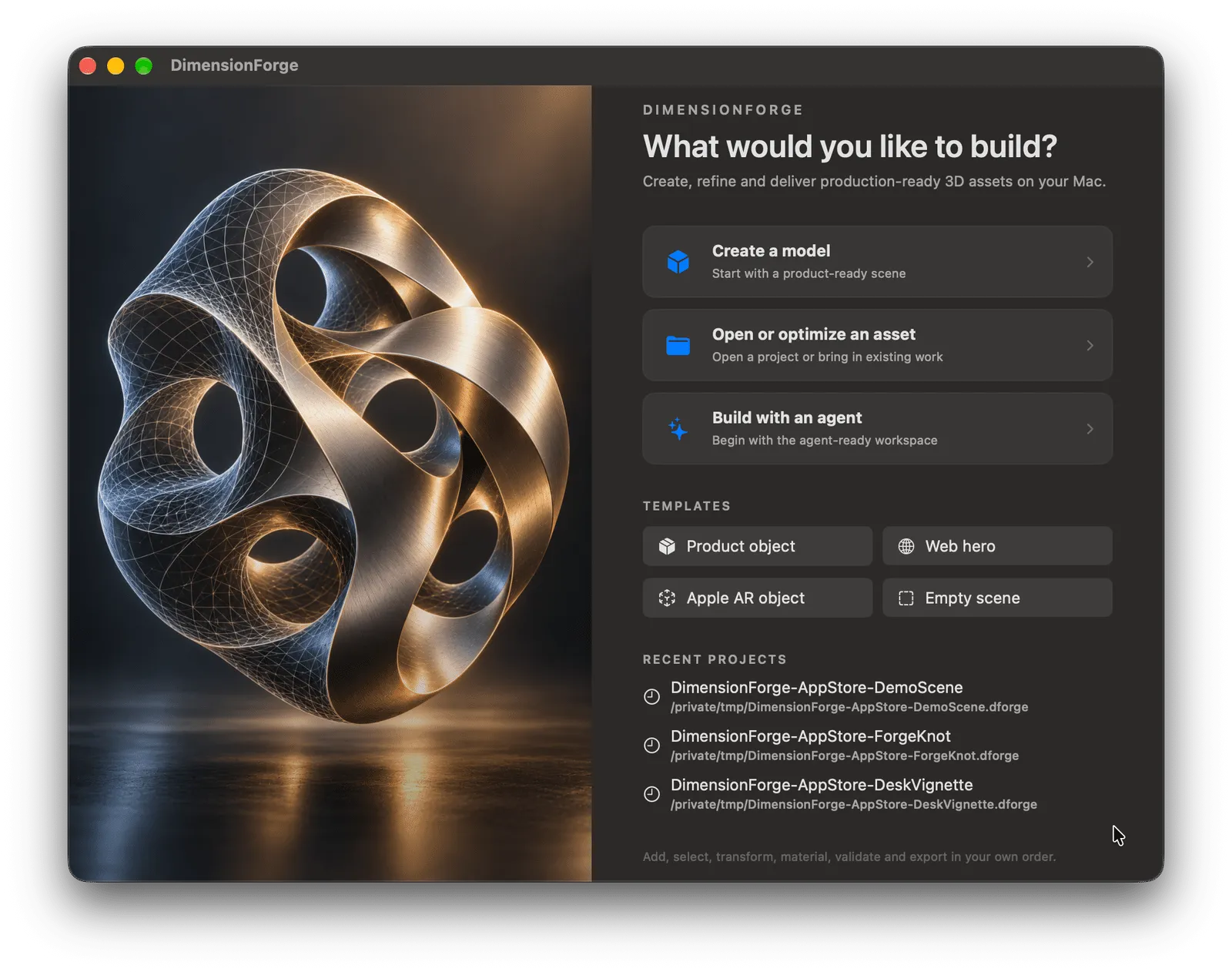
DimensionForge brings modeling, materials, lighting, validation, and target-aware GLB or USDZ delivery into one focused native Mac workspace.
Learn more →The apps you need for everything you want to create. Build 3D assets in DimensionForge. Edit spreadsheets in Sheetforge. Write documents in Paperforge. Retouch photos in Pictureforge. Cut and caption videos in Filmforge. Record and produce audio in Waveforge.
0 formats
Free 3D delivery
0 local
Project workflow
0 apps
Native tools
Endless creativity. Unlimited possibilities. One native Mac suite.
3D Creation
DimensionForge brings modeling, materials, lighting, validation, and target-aware GLB or USDZ delivery into one focused native Mac workspace.
Learn more →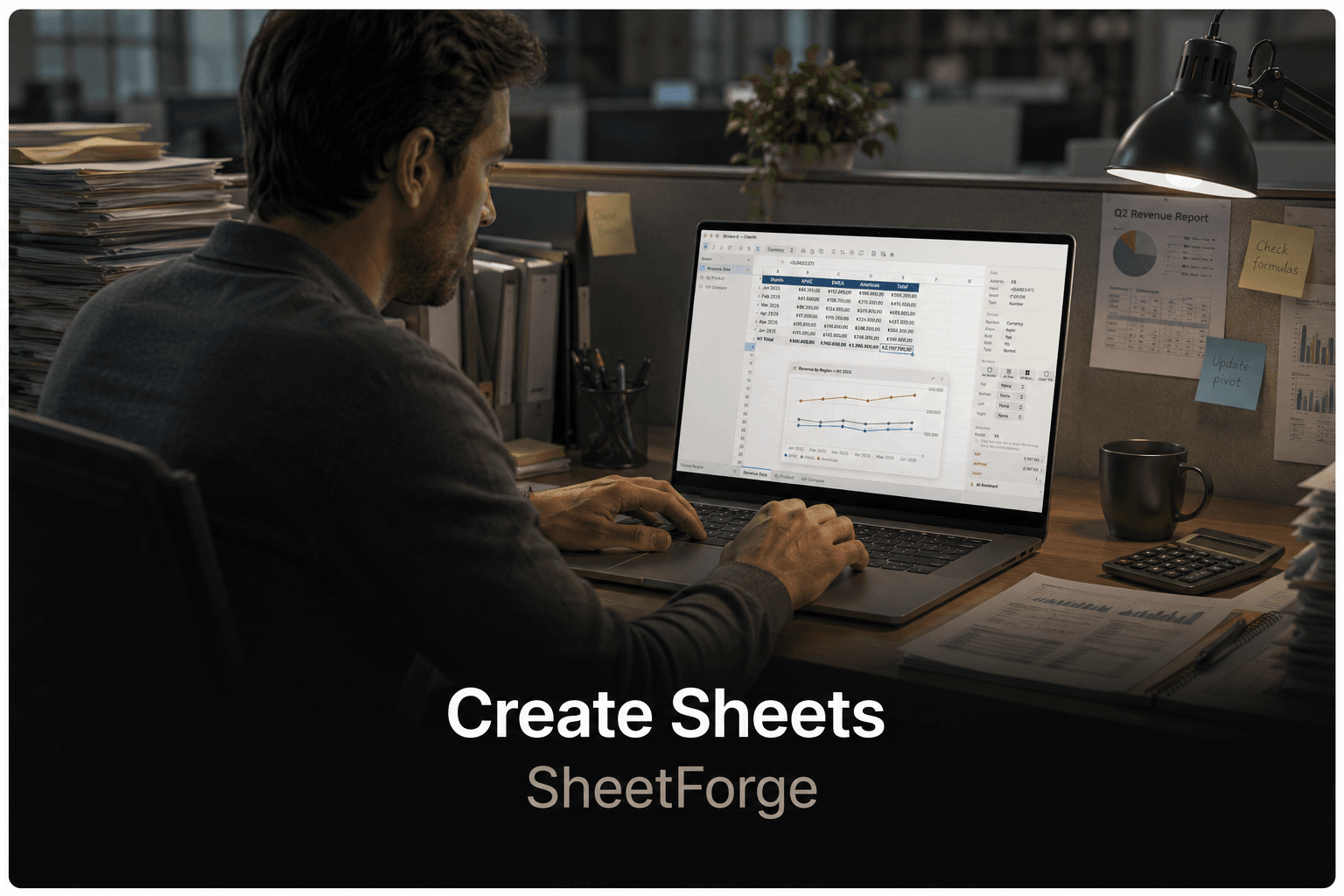
Spreadsheets
Sheetforge gives you smarter, faster ways to build and analyse data with formulas, charts, and on-device AI.
Learn more →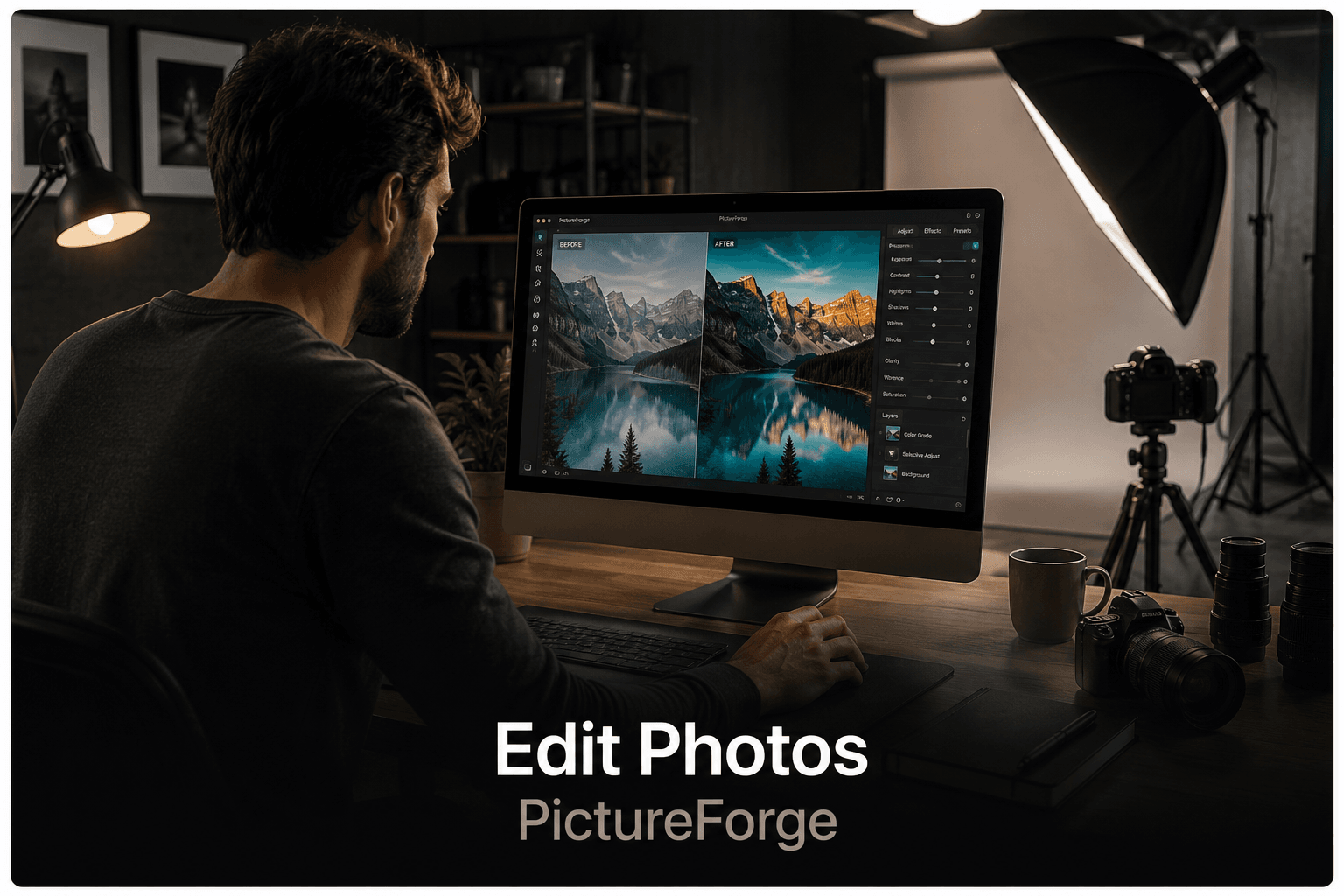
Photo Editing
Pictureforge lets everyone retouch photos and create stunning visuals using powerful on-device intelligence.
Learn more →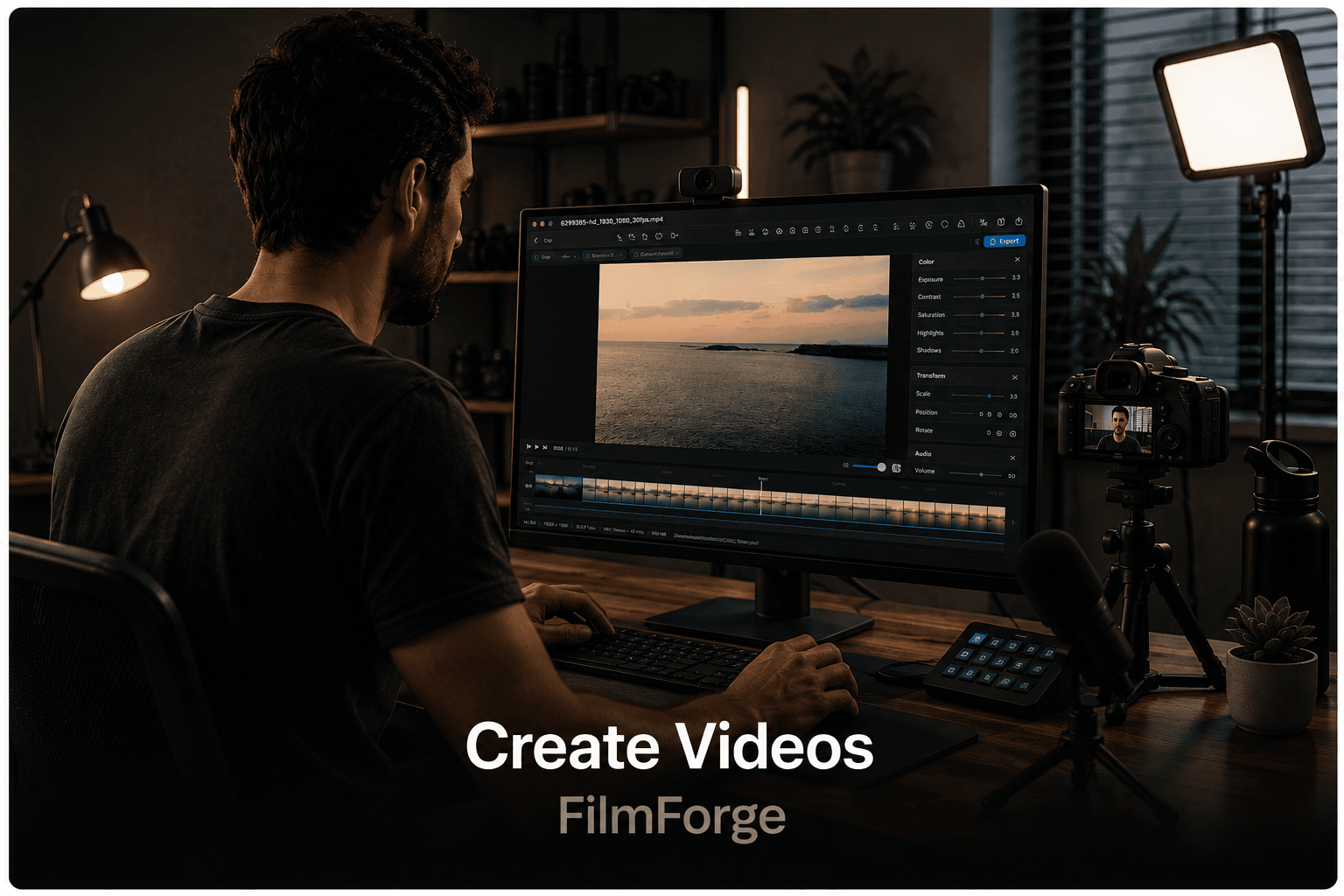

Video
Filmforge packs 25+ video tools into one non-destructive pipeline — trim, caption, compress, and grade, entirely on-device.
Learn more →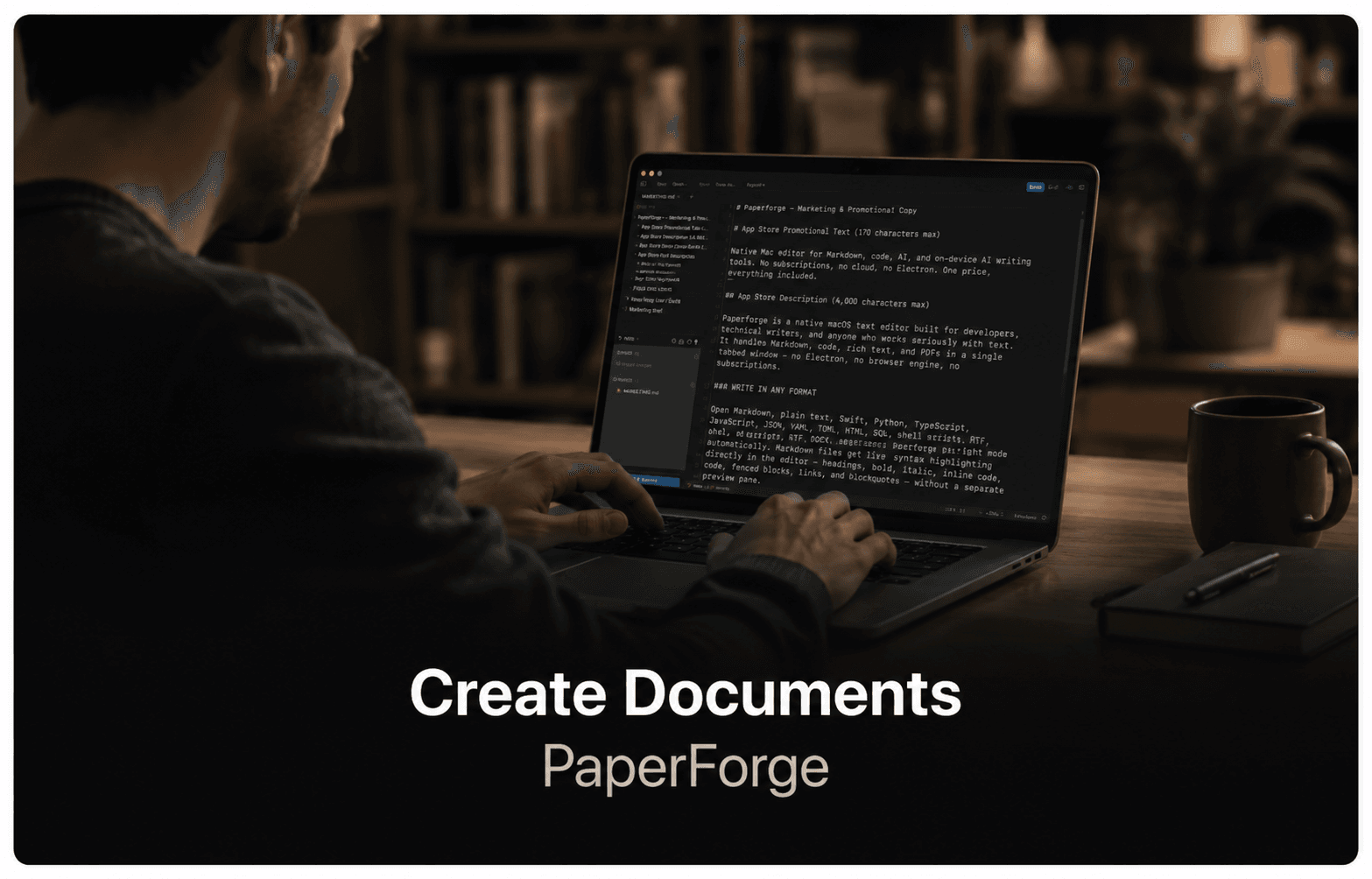
Documents
Paperforge gives you a clean, capable native word processor with rich text, styles, and .docx compatibility.
Learn more →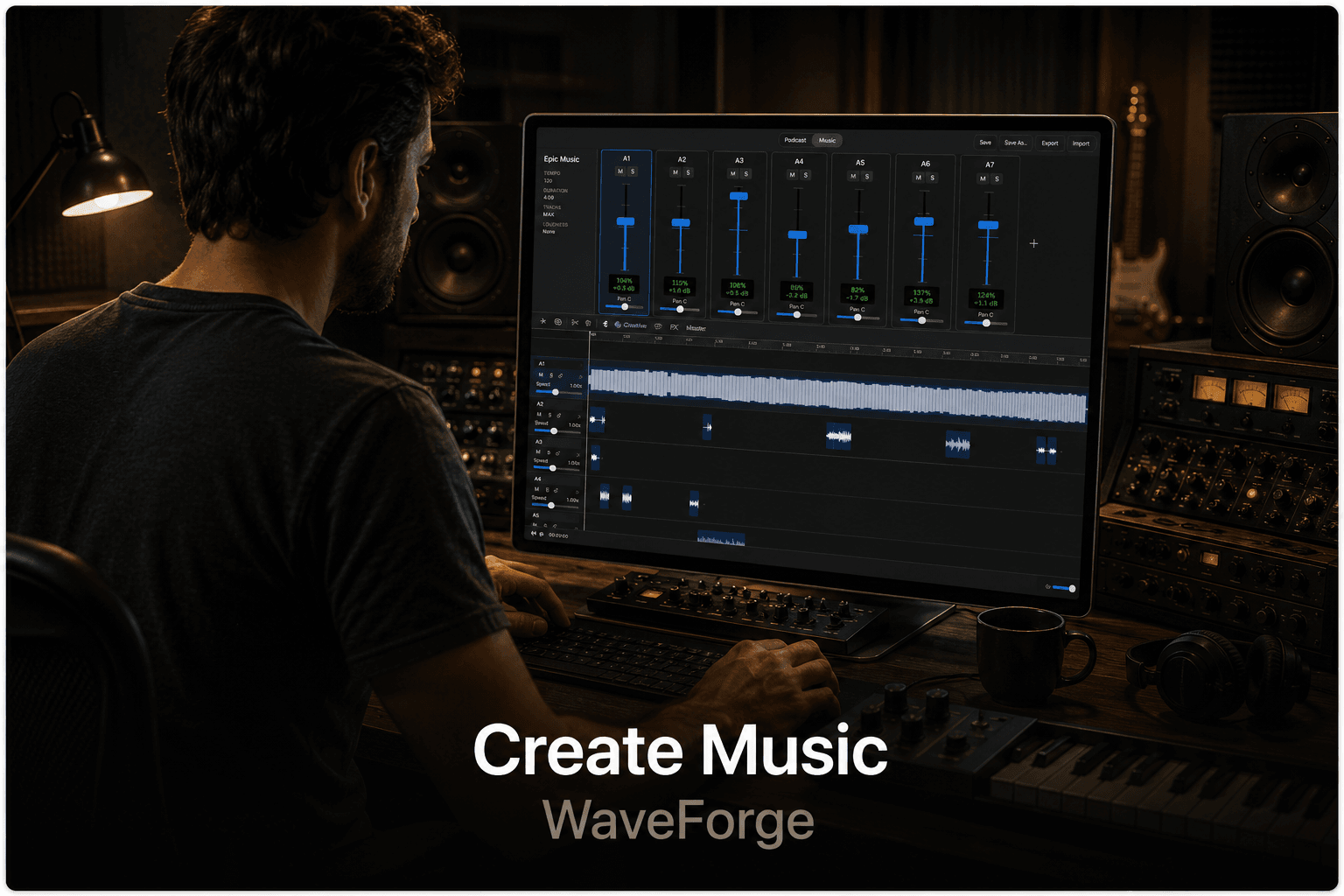

Audio & Podcast
Waveforge helps you record podcasts and produce music — bringing clarity and control to every track.
Coming soon
Native workflows
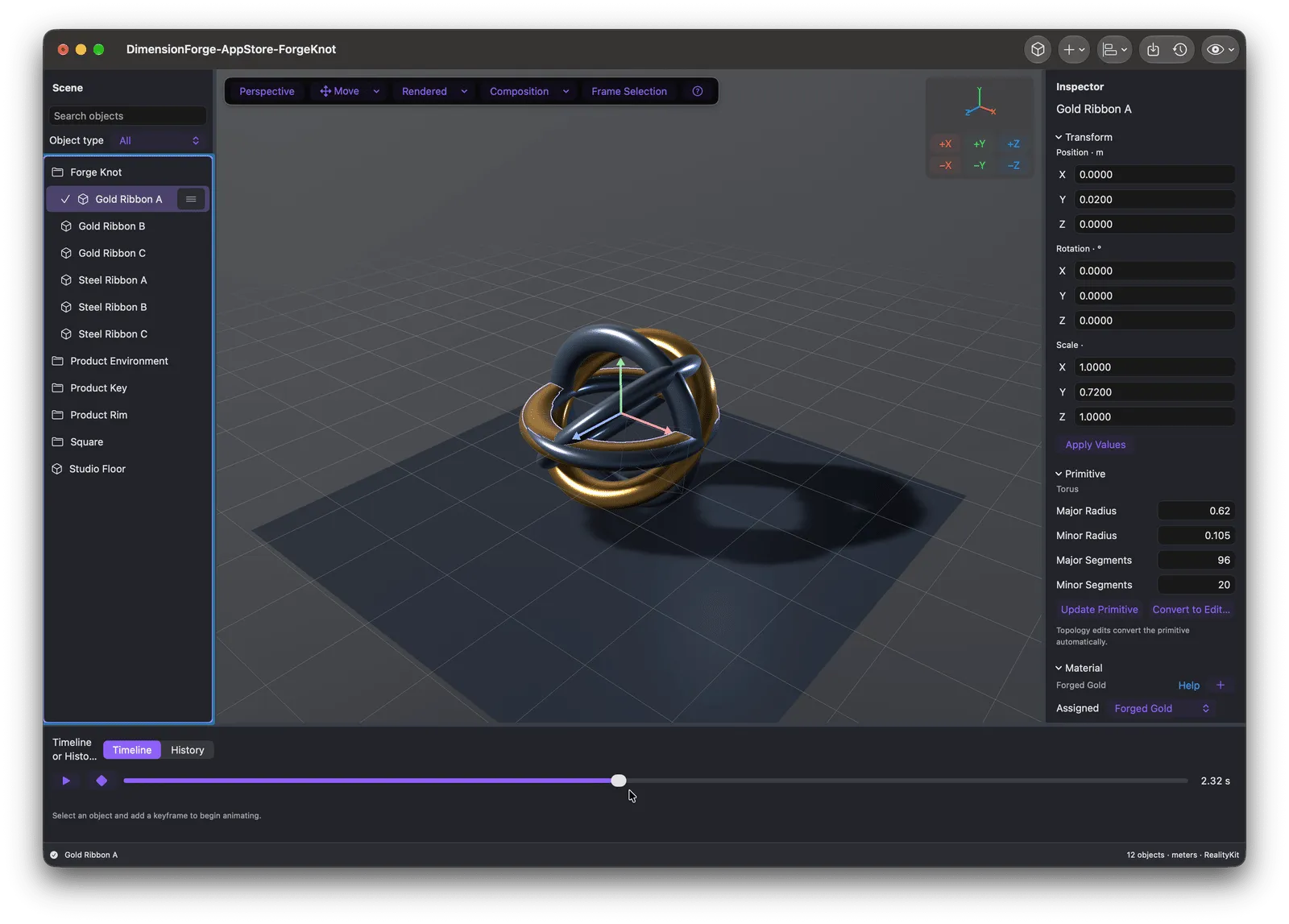
3D Creation
A focused native 3D workspace with real modeling, PBR materials, animation, target-aware validation, free static GLB and USDZ export, and optional Pro delivery tools.
Learn more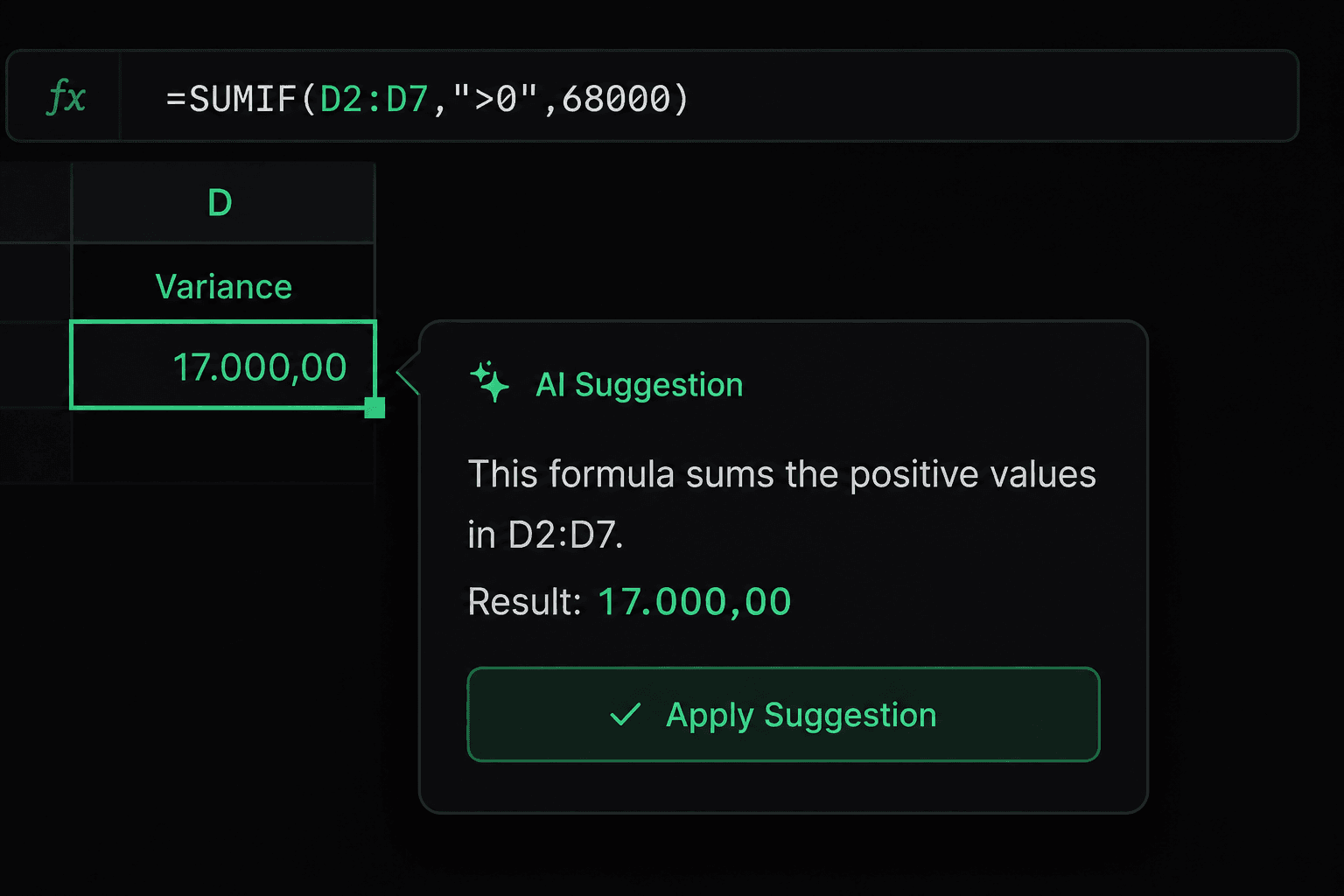
Spreadsheets
100+ formulas, charts, pivot tables, conditional formatting, data validation, and on-device formula assistance in a native spreadsheet built for local work.
Learn more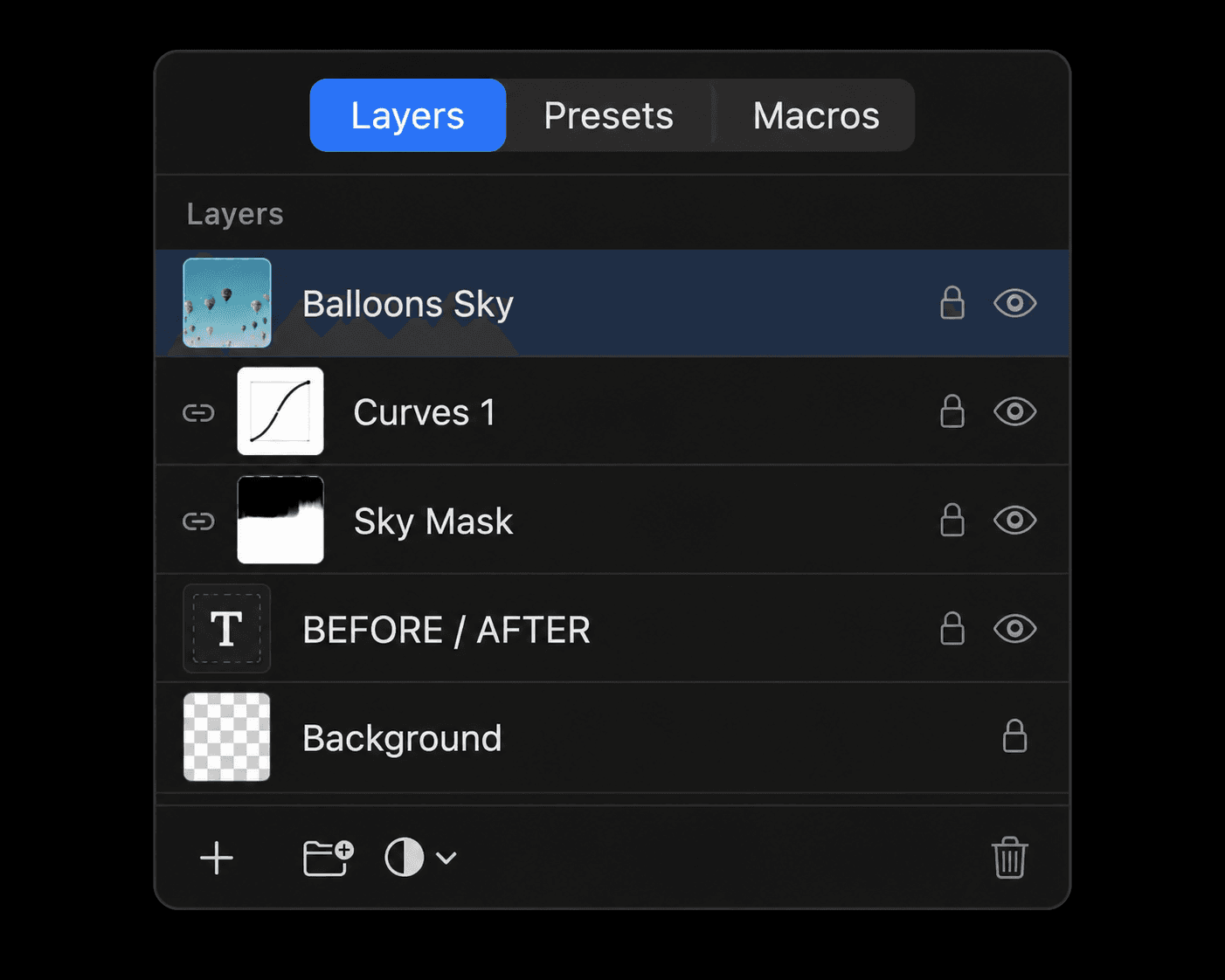
Photo Editing
Professional layers, RAW development, non-destructive adjustments, retouching tools, and on-device background removal and upscaling.
Learn more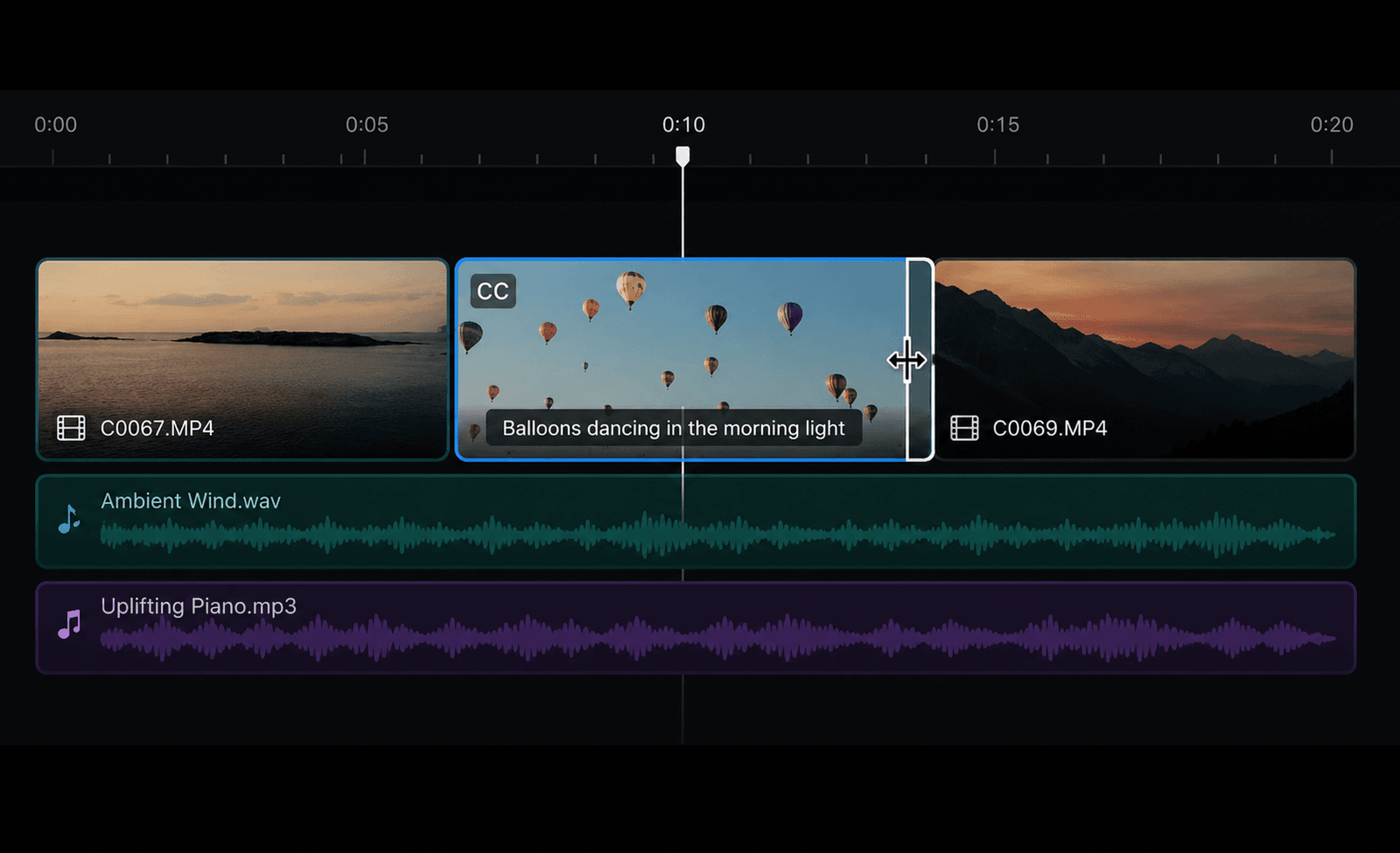
Video Toolkit
A native AVFoundation and VideoToolbox pipeline for everyday video work: trim, merge, convert, captions, background removal, LUTs, and more.
Learn more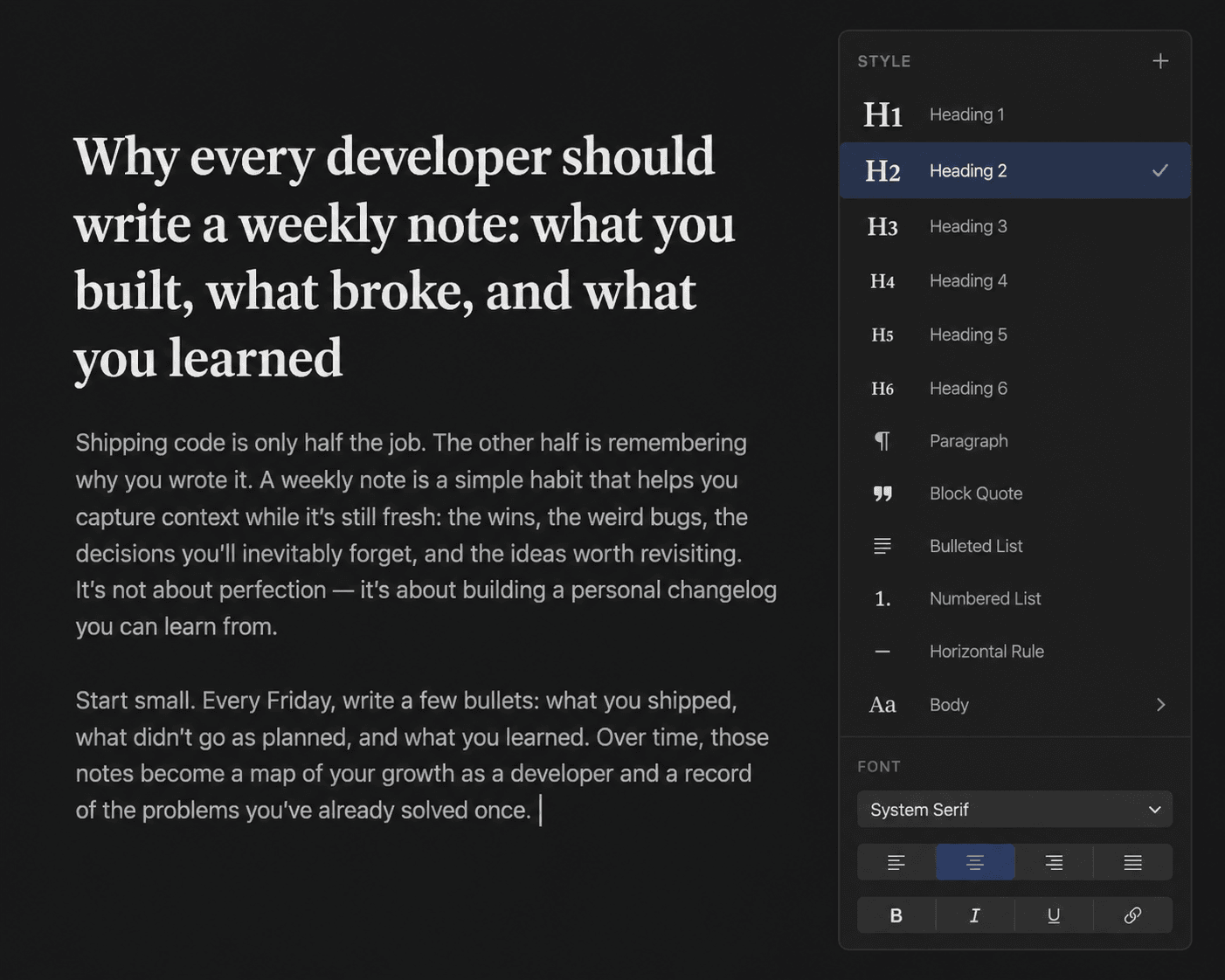
Documents
Rich text editing, paragraph styles, page layout, and .docx compatibility come together in a focused document workflow built for macOS.
Learn more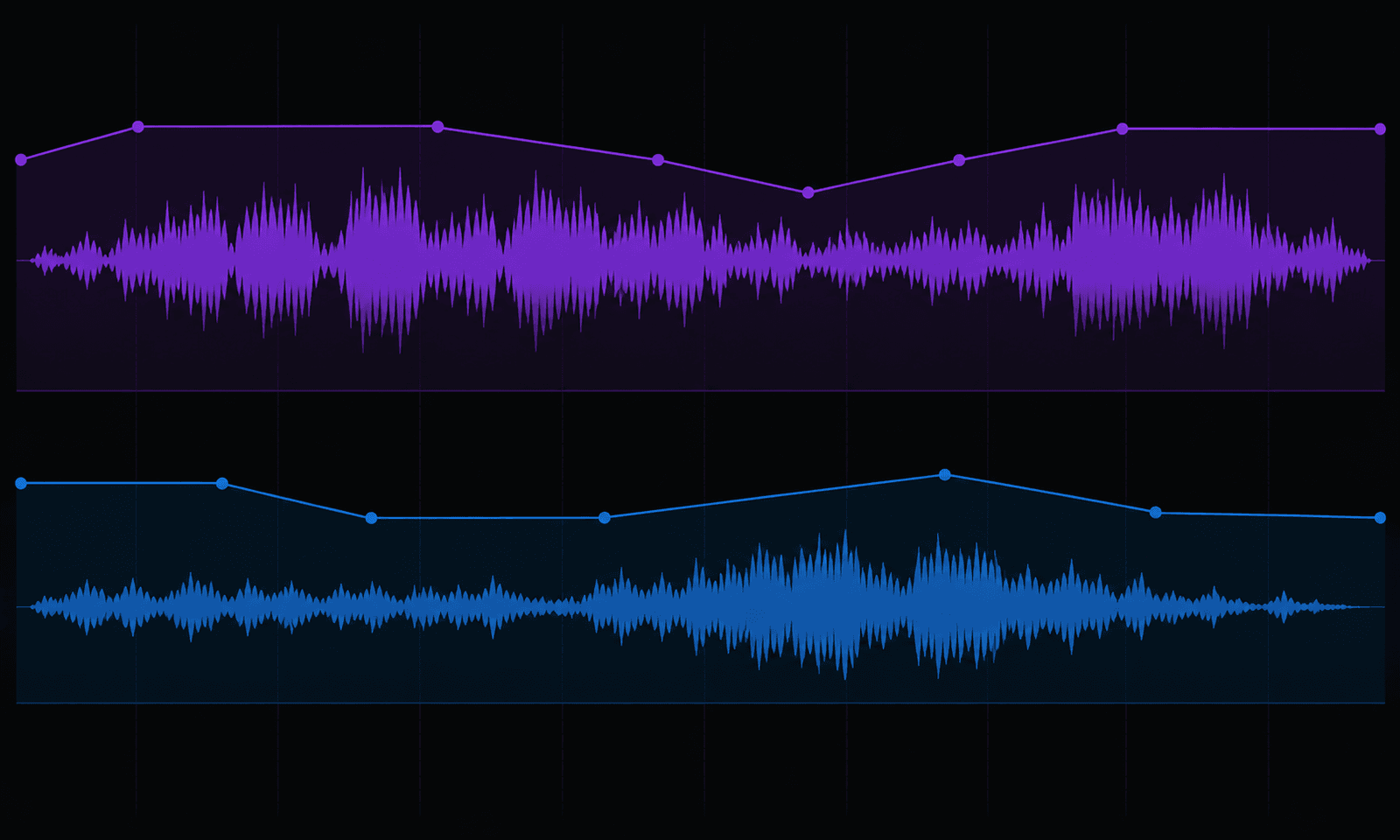
Audio & Podcast
A modern native audio workspace for podcasters and musicians, designed around Apple audio technologies and offline production.
Coming soon
Availability
The bundle download is temporarily unavailable while App Store approval is being resolved.
The suite page remains here so you can explore the apps and the native macOS workflows behind them.
Why build it?
Forge Suite is built by a single indie developer who believes professional tools should feel fast, private, and native on the Mac. No investors. No growth targets. Just software built to last.
Feature 1
Six native apps — DimensionForge, Sheetforge, Paperforge, Pictureforge, Filmforge, and Waveforge in one creative lineup.
Feature 2
Local-first workflows — Core creative work, projects, and source files stay on your Mac unless you export or share them.
Feature 3
No account required — No sign-in, no email, no profile.
Feature 4
Built for Apple Silicon — Hardware-accelerated rendering, encoding, and AI inference on every supported Mac.
Feature 5
Clear product choices — Free workflows and any optional upgrades are explained on each app's product page.
Feature 6
Open delivery formats — Export standard files including GLB, USDZ, .xlsx, .docx, JPEG, PNG, MP4, and more.
No Electron. No web wrappers.
No cloud. No accounts.
Just Swift — the way macOS apps should be.
The practical bits before you explore the suite.
Forge Suite includes DimensionForge for 3D assets, Sheetforge for spreadsheets, Paperforge for documents, Pictureforge for photos, Filmforge for video, and Waveforge for audio and podcast production.
The individual Forge apps are shown here as part of the suite vision. The bundle download is temporarily unavailable while App Store approval is being resolved.
Yes. Forge Suite is designed for local-first Mac workflows. Editing, exporting, and Smart features run on-device without cloud processing.
The Forge apps use local-first workflows and do not require a Forge Suite account. Check each app's product and privacy pages for its exact data handling and optional services.
¹ Smart features in Forge Suite require a Mac with Apple Silicon. Smart features in Sheetforge, Pictureforge, and Filmforge use Apple Vision, Core ML, and Foundation Models and run entirely on-device.